
Pray to Lord Ganesha Online
Ring the bell, then offer flowers, tilak, incense and the aarti lamp to Lord Ganesha. Turn your sound on and tap “Click here to continue” to begin.



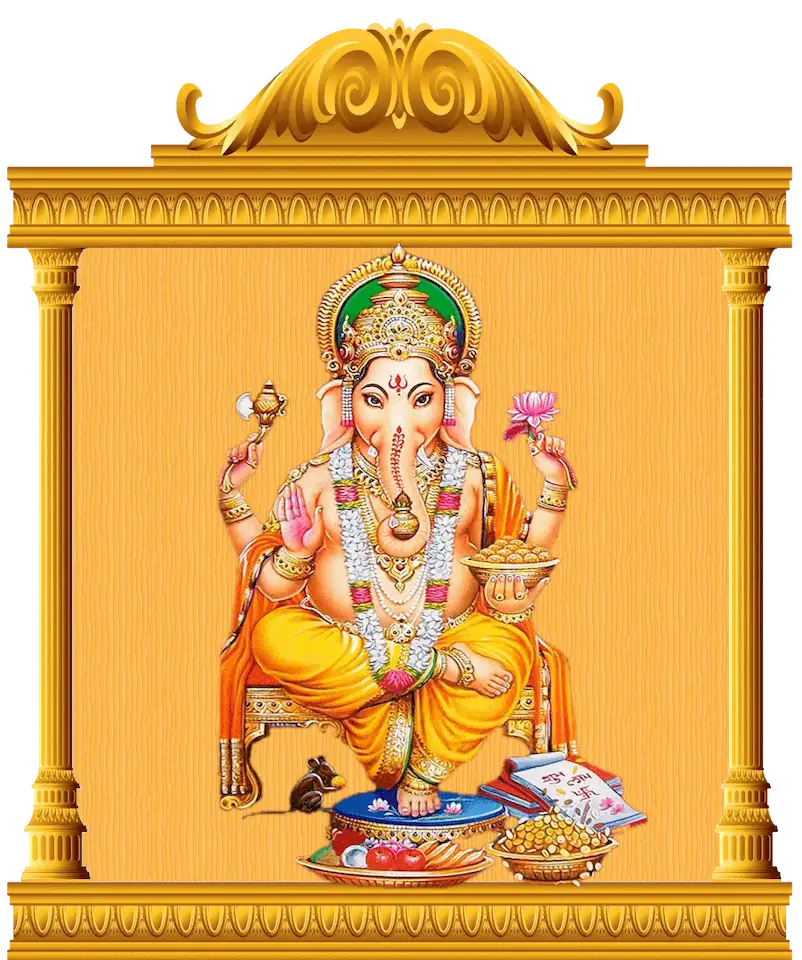







How to pray to Lord Ganesha online
- Turn your sound on. You will hear the chant, the bell and the offerings.
- Enter the temple. Wait for “Click here to continue”, then tap it or the Ganesha picture. The temple opens and five offerings appear on the left.
- Ring the bell. The bell calls Lord Ganesha and begins your prayer.
- Offer flowers. Flowers fall at Ganesha’s feet.
- Apply tilak. A tilak mark appears on Ganesha’s forehead.
- Offer incense. Incense smoke rises in front of him.
- Wave the aarti lamp. The lamp circles in front of Ganesha five times.
You can make the offerings in any order, as often as you like. Take your time. Think of Lord Ganesha and say your prayer in your heart.
What each offering means
- Bell (ghanta): calls Lord Ganesha and fills the space with a holy sound.
- Flowers (pushpa): show purity and the love in your heart.
- Tilak: shows respect and worship.
- Incense (dhoop): brings peace and calm to your prayer.
- Aarti lamp (diya): its light removes darkness and welcomes wisdom into your life.
A mantra to say while you pray
While you make your offerings, you can softly say this simple mantra. It means “I bow to Lord Ganesha.”
ॐ गं गणपतये नमः
Om Gan Ganapataye Namah
To go further, read about the mantra Om Gan Ganapataye Namo Namah, the 108 names of Lord Ganesha, or how Ganesha is worshipped at home and in the temple in Ganesha Worship.
When to pray to Lord Ganesha
You can pray at any time, from anywhere. Hindus pray to Ganesha before they start something new, such as a new job, a journey, an exam or a new home, because he removes obstacles. Many people also pray on special days such as Ganesh Chaturthi, his festival.
Why pray online?
Not everyone can visit a Ganesha temple every day. This online prayer helps you stay close to Lord Ganesha wherever you are: at home, at work, or far from any temple. It is free, and you do not need an account or an app. It is a calm way to begin your day, or to pause and pray when you need it.
May Lord Ganesha remove the obstacles from your path and bless you with wisdom, success and happiness.
Frequently asked questions
- Can I pray to Lord Ganesha online?
Yes. In the virtual Ganesha temple on this page, you ring the bell and offer flowers, tilak, incense and the aarti lamp.
- Is the online prayer free?
Yes, it is free. You do not need an account or an app.
- How do I start the online prayer?
Turn your sound on and wait for the words “Click here to continue”. Then tap them or the Ganesha picture. The temple opens and five offerings appear on the left.
- Does it work on a mobile phone?
Yes. It works on phones, tablets and computers. Turn your sound on to hear the chant and the bell.
- In what order should I make the offerings?
Ring the bell first, then offer flowers, tilak, incense and the aarti lamp. You can also make them in any order, as often as you like.
- What mantra can I say while I pray?
You can softly say “Om Gan Ganapataye Namah”. It means “I bow to Lord Ganesha.”
- When should I pray to Lord Ganesha?
You can pray at any time, from anywhere. Hindus pray to Ganesha before they start something new, because he removes obstacles.
Continue reading
About Lord Ganesha →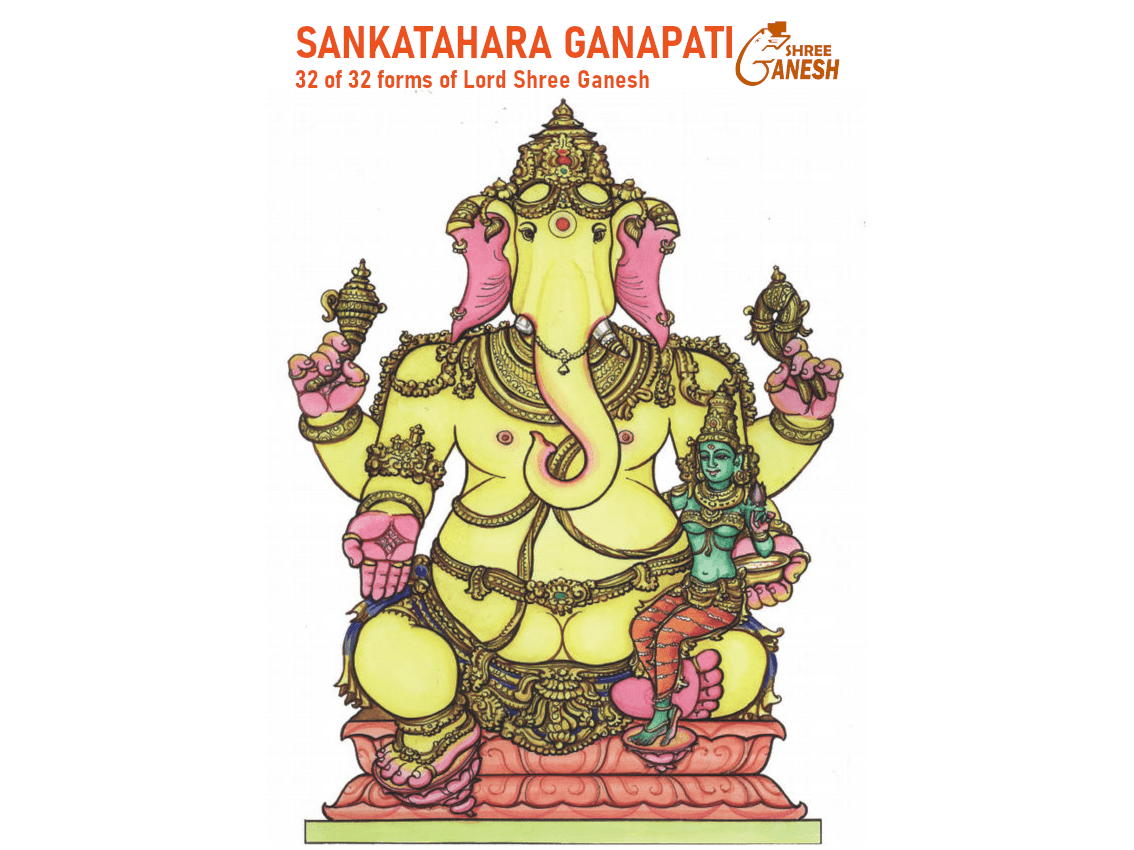
About Lord Ganesha
Sankatahara Ganapati: The Dispeller of Sorrow
About Lord Ganesha
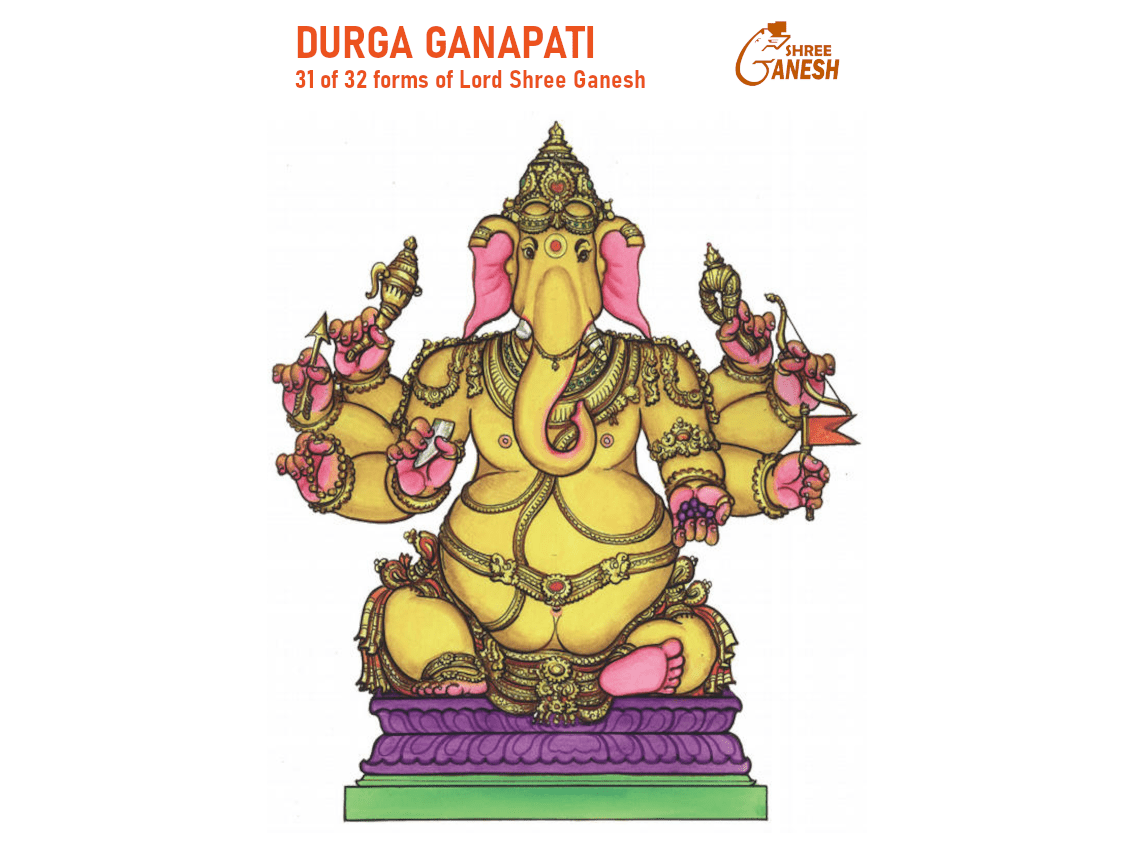
Durga Ganapati: The Invincible

About Lord Ganesha